Does the waveform on your oscilloscope look distorted or different from the pulse shape you expected? Your photodetector may be saturating.
This can happen when too much optical power reaches the detector, and with pulsed lasers, peak power rather than average power may be the culprit. Fortunately, reducing the power reaching the detector can be surprisingly simple.
Why does a pulsed laser waveform become distorted?
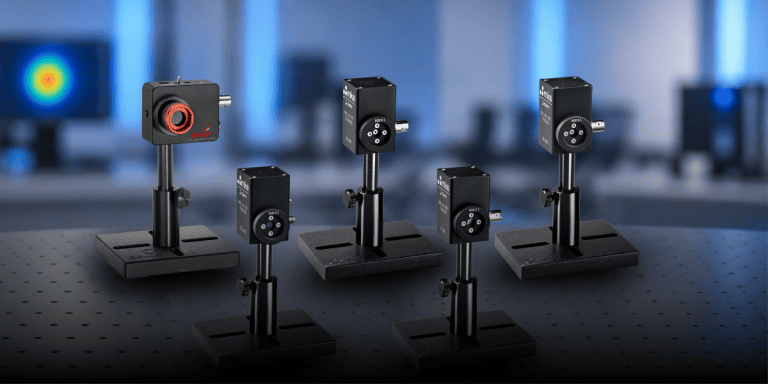
Pulse characterization sensors use fast photodiode detectors to convert an optical signal into an electrical signal that can be viewed using instrumentation such as an oscilloscope or spectrum analyzer.
When too much optical power reaches the detector, it can enter saturation. Instead of accurately following the temporal shape of the laser pulse, the resulting waveform becomes distorted.
One important distinction is that detector saturation is often related to peak power rather than average power. A sensor may therefore show saturation even when the laser’s average power is within the specified limit. With a pulsed laser, the instantaneous power during the pulse can be much higher than the average power.
What does detector saturation look like?
One of the most useful indicators is the waveform itself.
If the signal on the oscilloscope looks flattened, clipped, or otherwise significantly different from the expected pulse shape, excessive optical power at the detector may be the cause.
And here’s an important point: the pulse characterization detector isn’t being used to measure total optical power. Its purpose is to follow the temporal shape of the pulse.
That distinction gives us a simple way to solve the problem.
How to prevent saturation when measuring high-power laser pulses
If the detector is saturating, the solution is to reduce the optical power reaching it.
Attenuating filters are one option. But for high-power pulsed lasers, there’s another practical approach:
Scatter the laser beam from a diffusive surface and measure the scattered light instead of directing the beam into the detector.
For example, you can scatter the beam from matte glass or even a nearby wall and position the pulse characterization sensor to view the diffused beam.
Because the detector only needs enough signal to reproduce the temporal pulse profile, the entire laser beam doesn’t need to enter the detector aperture. The effective attenuation can then be adjusted simply by changing the distance between the detector and the diffusing surface.
What about detector damage?
Normally, the detector will reach saturation before the optical power reaches levels that can cause damage. However, excessive incident power should still be avoided because high optical power can potentially damage an attenuating filter or the detector itself.
So, if you see clear signs of overload in the waveform, reduce the optical power reaching the detector before continuing the measurement.
See the technique in action
Sometimes a measurement problem that looks complicated has a surprisingly straightforward solution.
Watch the video to see how to recognize pulse characterization sensor saturation and how diffusive scattering can be used to reduce the power reaching the detector.
Want to learn more about measuring the temporal characteristics of pulsed lasers?
Explore Ophir Pulse Characterization Sensors or visit the Ophir website.